Perspectiv private beta · Q2 2027 · CRM and Knowledge hub first.Apply for the private beta →
Share what clients ask about
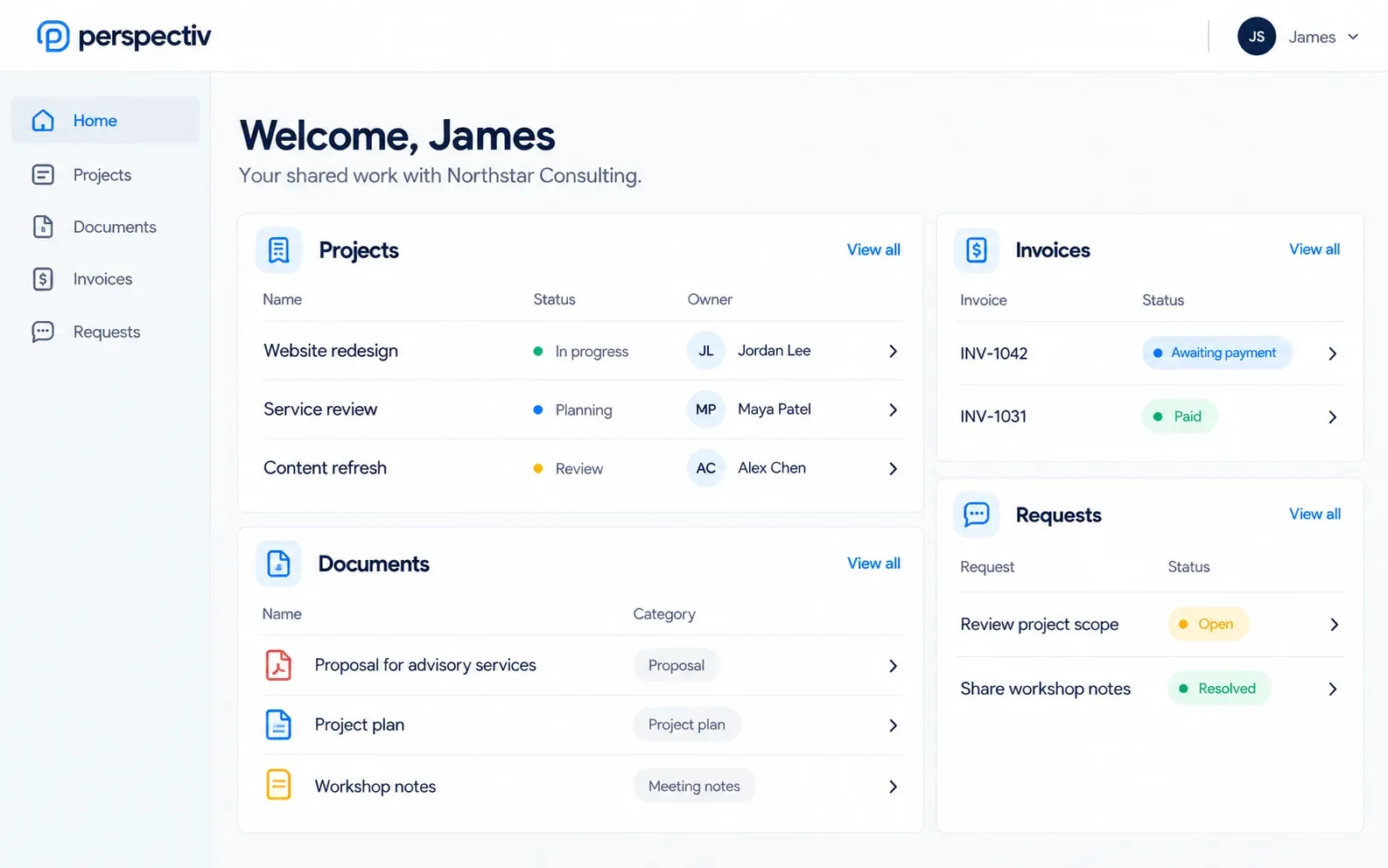
- Progress: project status, milestones and what is next
- Documents: deliverables, reports and signed agreements
- Commercials: quotes, contracts and invoices
- Requests: a way to raise a request and see its status
- Answers: guides and FAQs relevant to them
Keep these internal
- Internal notes and comments about the client
- Cost rates, margins and internal budgets
- Draft documents that have not been reviewed
- Other clients’ information, obviously, which is why access control matters
Access and security
Each client should see only their own information. Look for access you can expire or revoke when people leave, a record of every sign-in, and single sign-on for larger clients who want it.
Avoid the empty portal
The fastest way to kill a portal is to make your team update it by hand. If the portal shows the same projects, documents and invoices your team already works on, filtered to what clients may see, it stays current without extra work.
Rolling it out
- Start with two or three friendly clients
- Share progress and documents first
- Add invoices and requests once the basics work
- Tell clients what to use it for, and stop sending the same information by email
How Perspectiv helps
Labels show what opens first in the private beta (Q2 2027), what is being built now, and what is on the roadmap.
- Portals and sites (framework)Planned
One portal framework: clients, suppliers, employees and guests each get their own front door.
- Knowledge hubBeta Q2 2027
Internal, intranet, client and public documentation, with public and restricted published sites.
Related
Client portal softwareA private space for each client: projects, documents, quotes, contracts, invoices and requests.
Creative and marketing agenciesRetainers, projects, timesheets and client approvals in one place, with margin you can trust.
Knowledge base softwarePublic or client-only help centers and documentation, with your own branding and domain.