Perspectiv private beta · Q2 2027 · CRM and Knowledge hub first. Other capabilities follow in stages.Apply for the private beta →
From connection to confidence
A simple workflow to set up, test and keep every integration running smoothly.
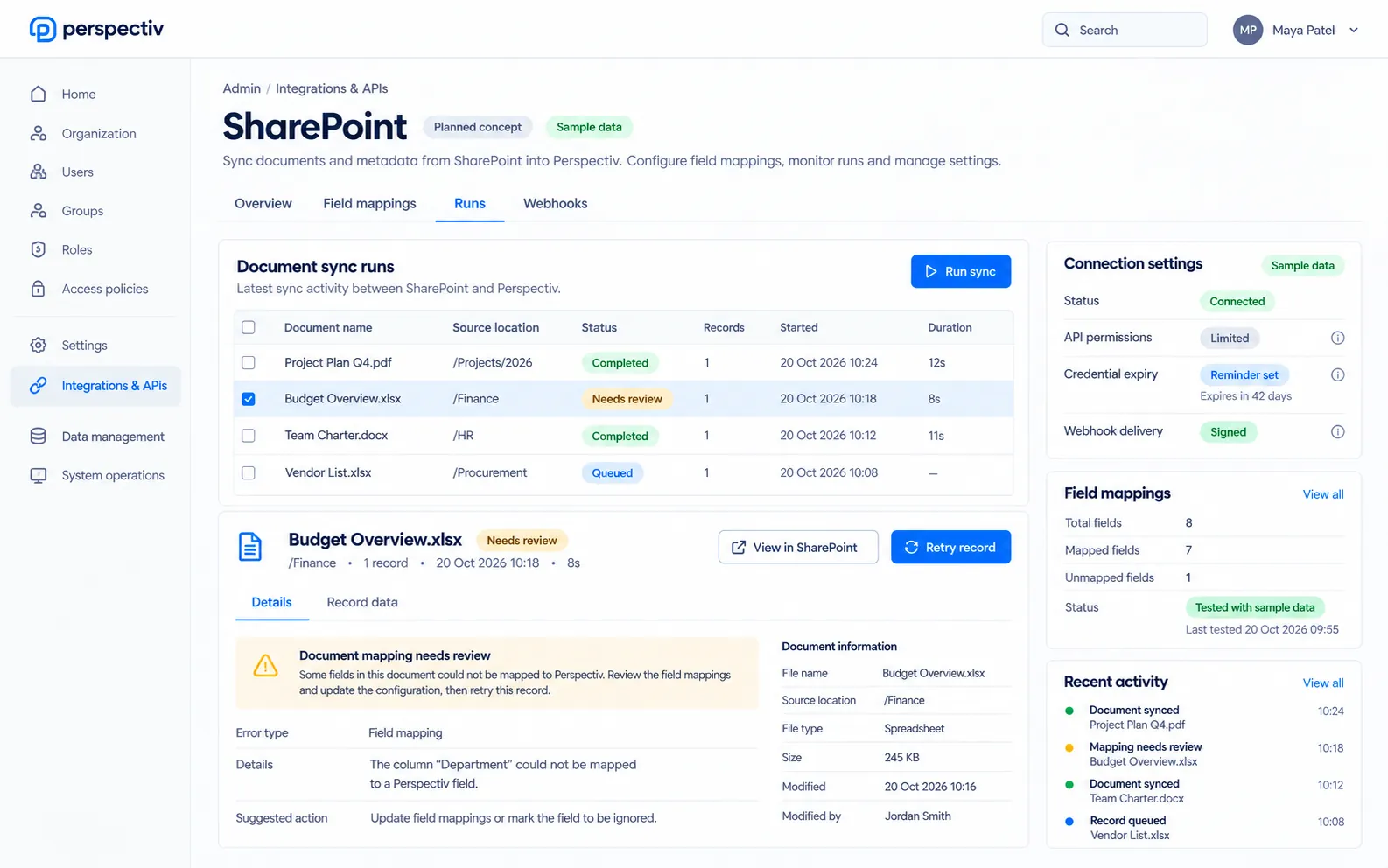
- Configure the connectionChoose the connector and permitted access.
- Test the mappingCheck sample records before enabling the flow.
- Monitor and recoverReview history and resolve failed handoffs.
Everything you need to manage integrations
- Shared connectorsConnect business tools from one administrative place.
- Limited API keysSet permissions and watch credential expiry.
- Signed webhooksKeep retries and delivery history visible.
- Tested mappingsCheck field mappings with sample data.
- Recover failed recordsRetry one record or a batch and resolve assigned alerts.
A connector marketplace Later
Everything in Integrations & APIs
Connect Perspectiv to the tools you already use, or build your own connections. Items marked Later come in a later phase.
Connections
- Integration connectors
- SharePoint integration
- Accounting system integrations
- Azure DevOps integration
APIs
- API configuration
- API keys with limited permissions
- Webhooks, signed, with retries and history
- Warnings before API credentials expire
Monitoring
- Integration monitoring
- Retry one failed record or a whole batch
- Integration alerts you assign and resolve
- Field mappings tested with sample data
Connected tools
- Microsoft 365: Outlook, Teams, SharePoint and OneDrive
- E-signature and payment providers
- External CRM and marketing systems
- A connector marketplace Later
Keep integrations in sync across Perspectiv
Keep mappings, access and operational monitoring aligned without mixing personal settings into administration.
Common questions
Questions
Which connections are planned?
The published scope includes Microsoft 365 and other business-system connections.
Will there be a marketplace?
A connector marketplace is marked Later.